Help Center - SQL LocalDB Recreate Instance
SQL LocalDB Recreate Instance
If the SQL LocalDB instance used by Smart Report Organizer is not working correctly, you can fix the issue by recreating the LocalDB instance.
This process stops and removes the current instance. It will be automatically recreated when Smart Report Organizer starts again.
Important: This process does NOT delete any SRO data (Jobs, Settings).
Step-by-Step Instructions
-
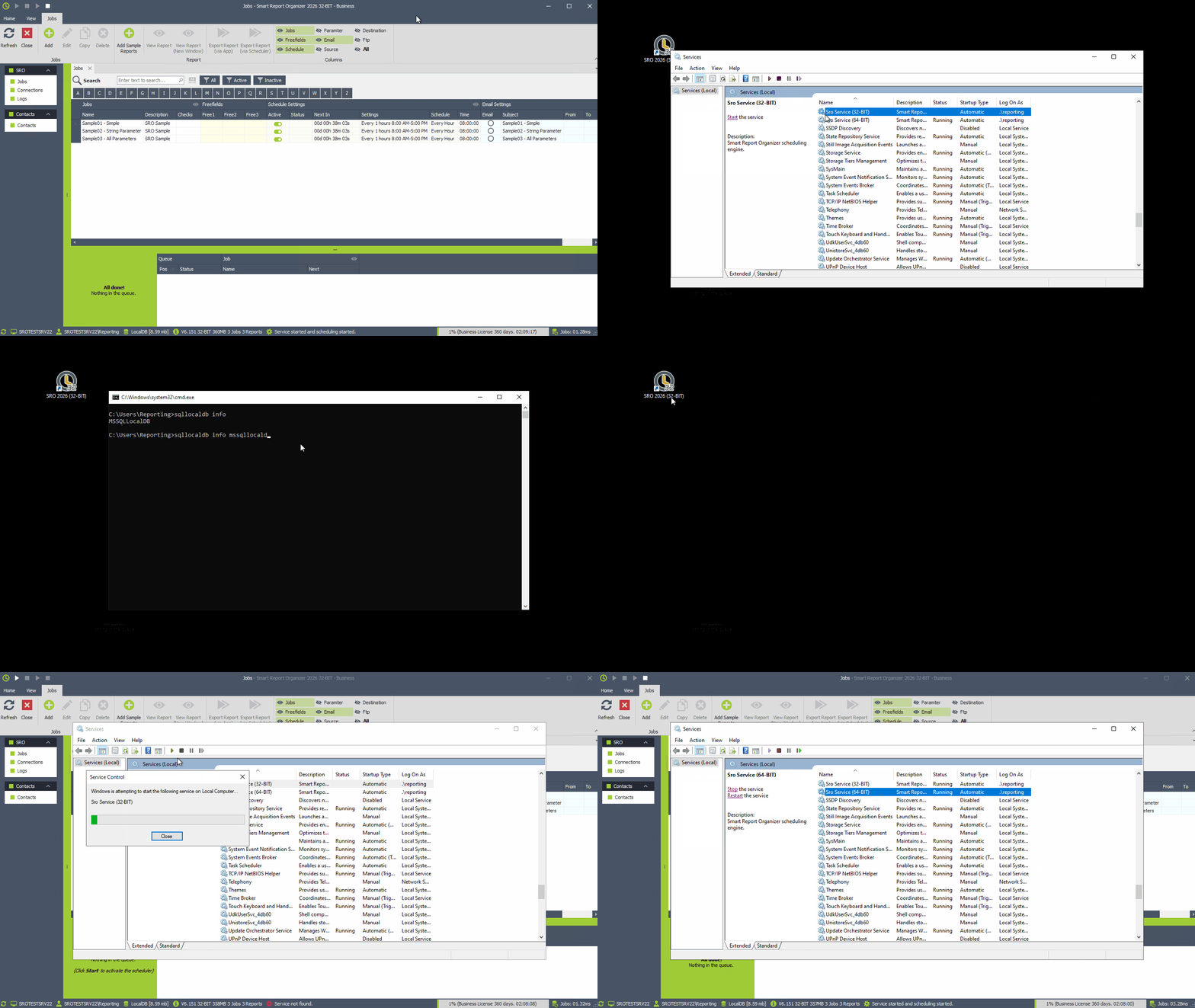
Close Smart Report Organizer and stop the Windows Service:
Please make sure that the SRO application and the Windows Service are completely stopped before proceeding. -
Open Command Prompt as Administrator:
Press Windows + R, type cmd, then run it as administrator. -
Run the following commands one after another:
            sqllocaldb stop mssqllocaldb

            sqllocaldb delete mssqllocaldb

            sqllocaldb start mssqllocaldb
Example: Recreate SQL LocalDB Instance
Why this issue can occur
- After changing the Windows user or domain
- After installing or updating SQL Server LocalDB
- If the LocalDB instance is still running during an update
- After system migrations or restoring backups
- If permissions or environment settings have changed
