Help Center - Run & Export Jobs
Run & Export Jobs
You can export reports in Smart Report Organizer in two main ways:
- Export via App (Immediate): Run and export instantly.
- Export via Scheduler: Run automatically in the background.
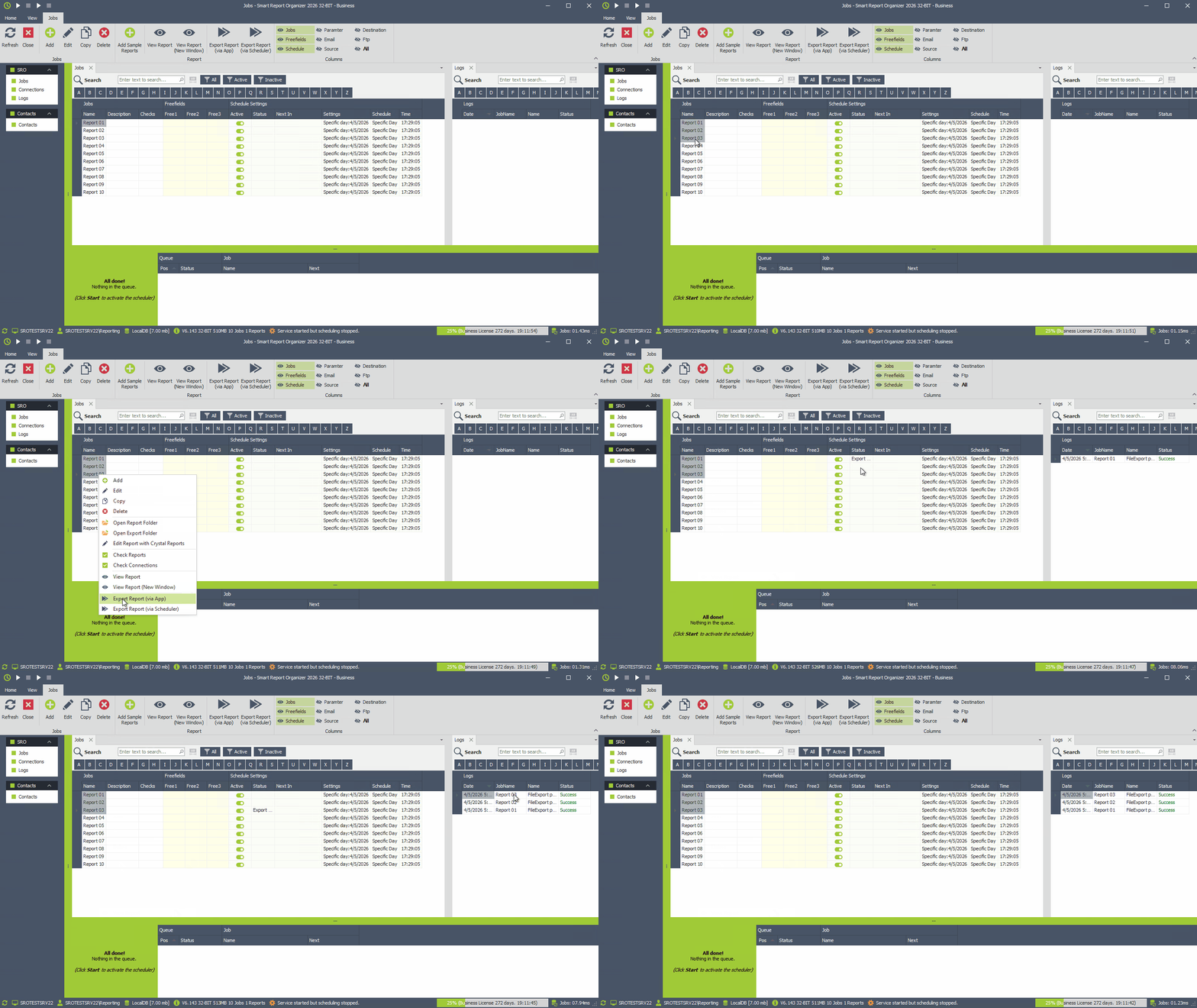
Export via App (Immediate)
Use this option if you want to run the job immediately and export the report directly.
Export via Scheduler
Use this option if the job should run automatically in the background (e.g. after a few seconds).
You can choose between two scheduling methods:
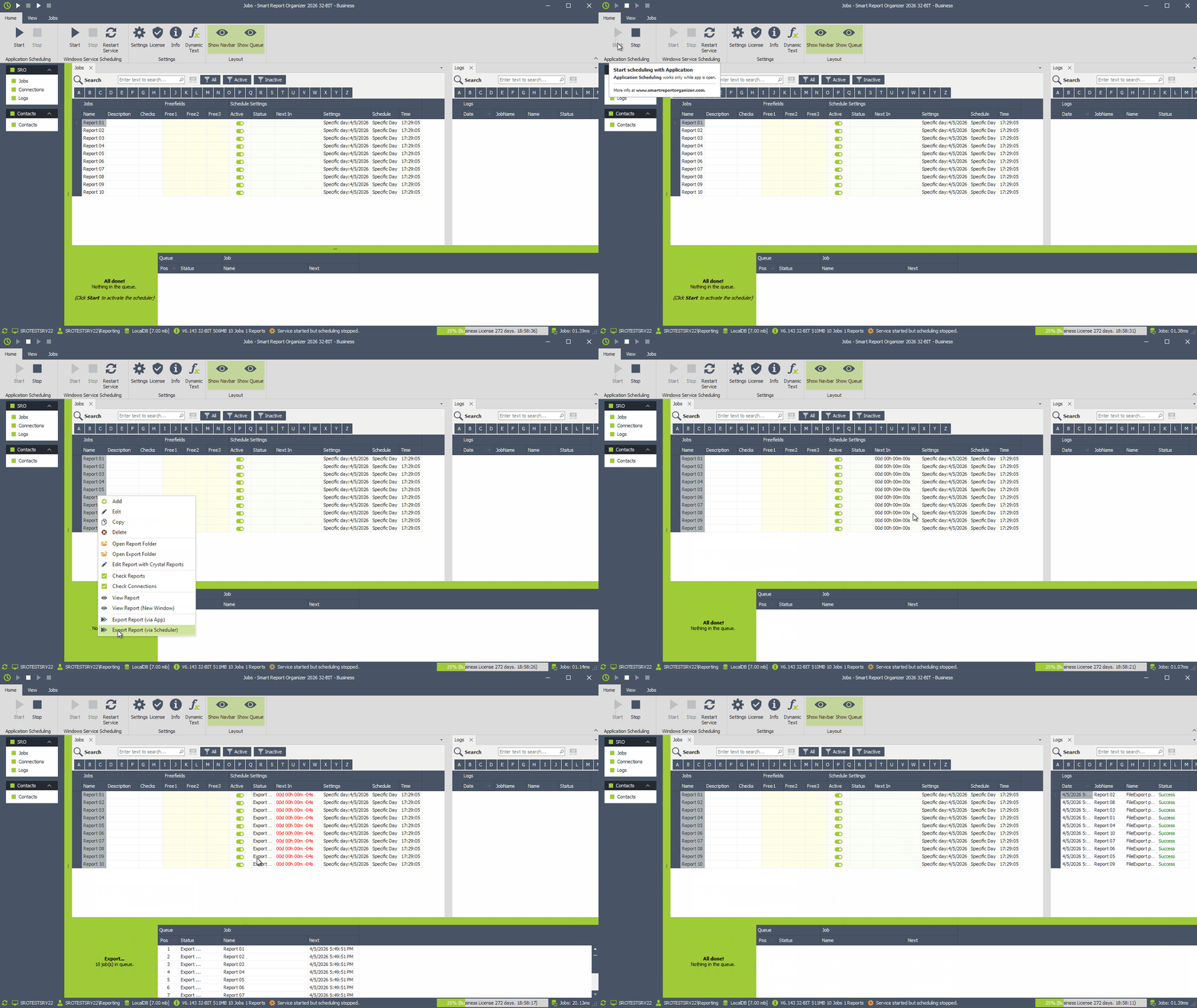
- Application Scheduling: The app executes the job.
- Windows Service Scheduling: The service runs the job in the background.
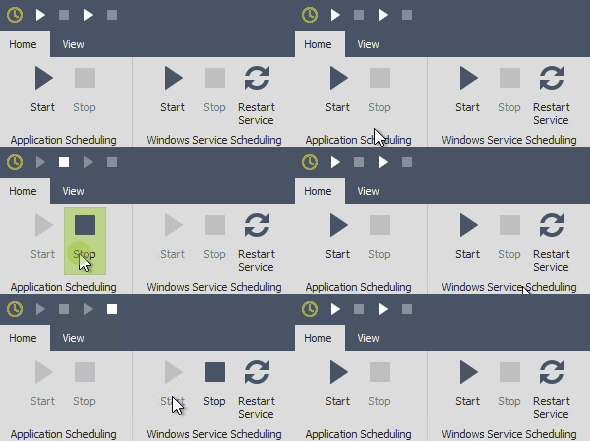
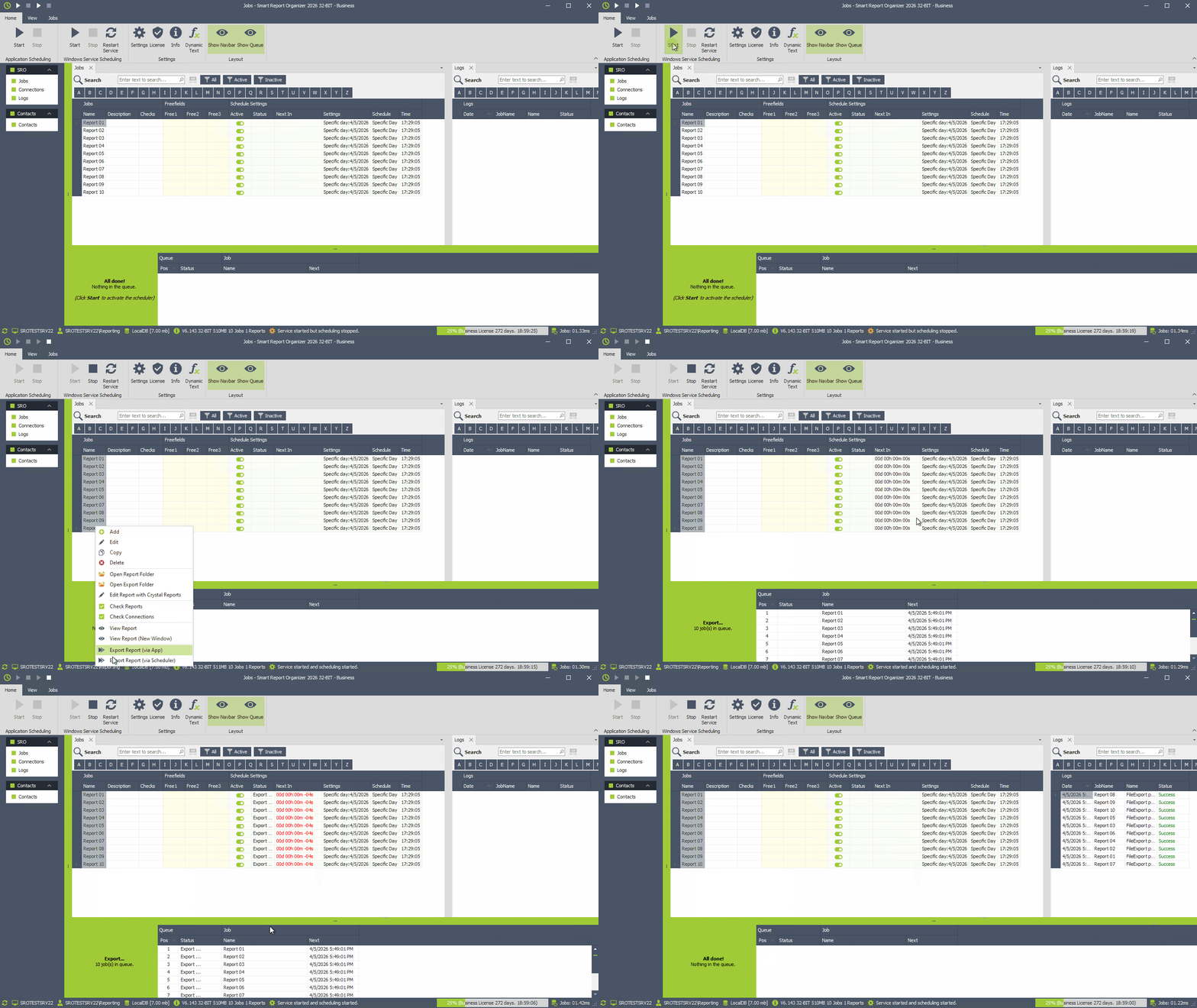
The following examples demonstrate how each scheduling mode works in practice.
Example: Export via Scheduler (Application Scheduling)
Example: Export via Scheduler (Windows Service)