Help Center - Free vs Standard vs Business
Free vs Standard vs Business
Free Version
Best for testing and small use cases.
Ideal if you want to try the software before upgrading.
Max 3 Jobs
Standard Version
Perfect for regular use.
- Run as a Windows Service
- Up to 100 Jobs (Unlimited Exports)
Recommended for most users who need reliable automation.
Max 100 Jobs
Business Version
Built for professional use.
- Run as a Windows Service
- Unlimited Jobs (Unlimited Exports)
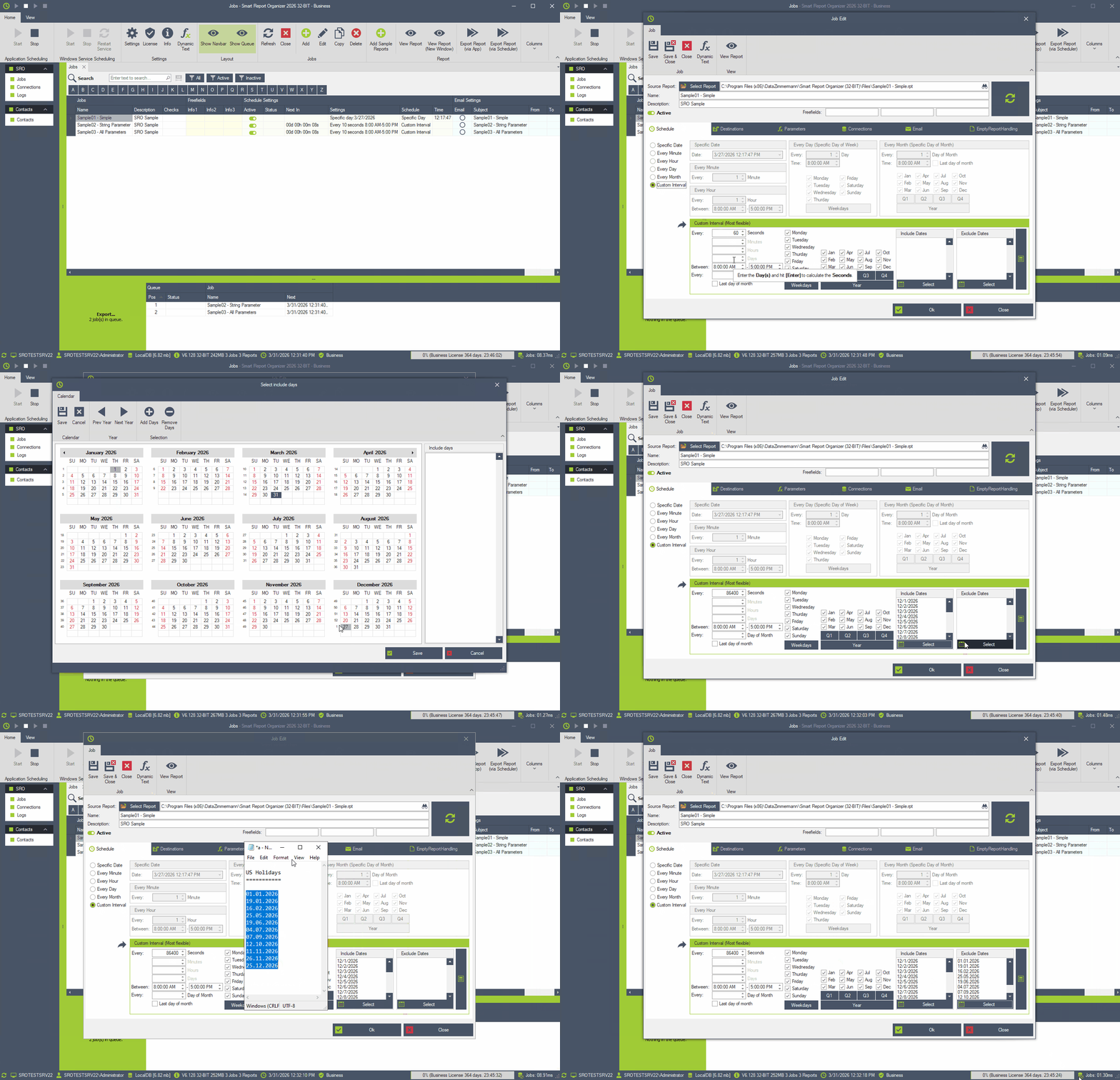
- Advanced Scheduling
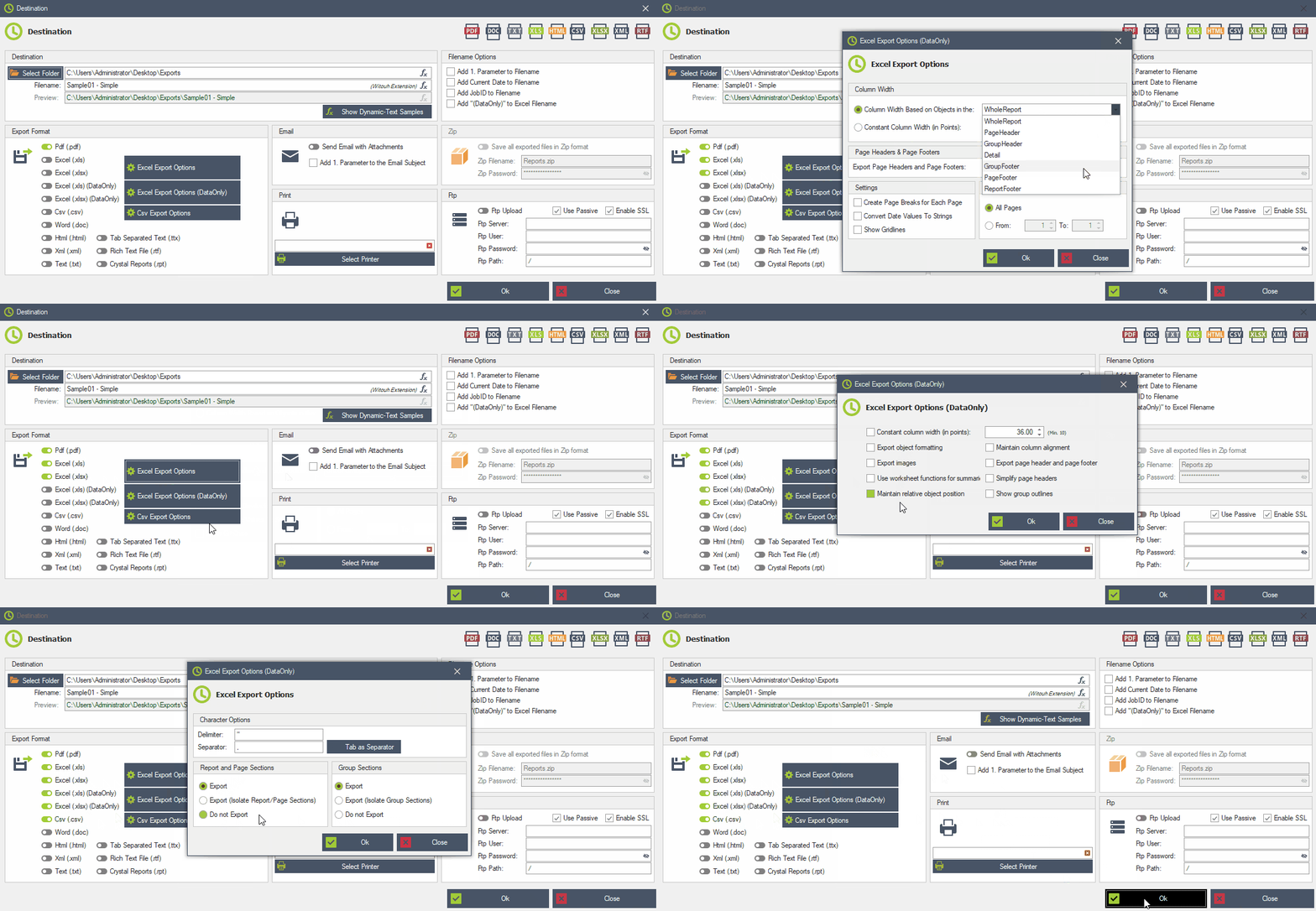
- Advanced Export Options
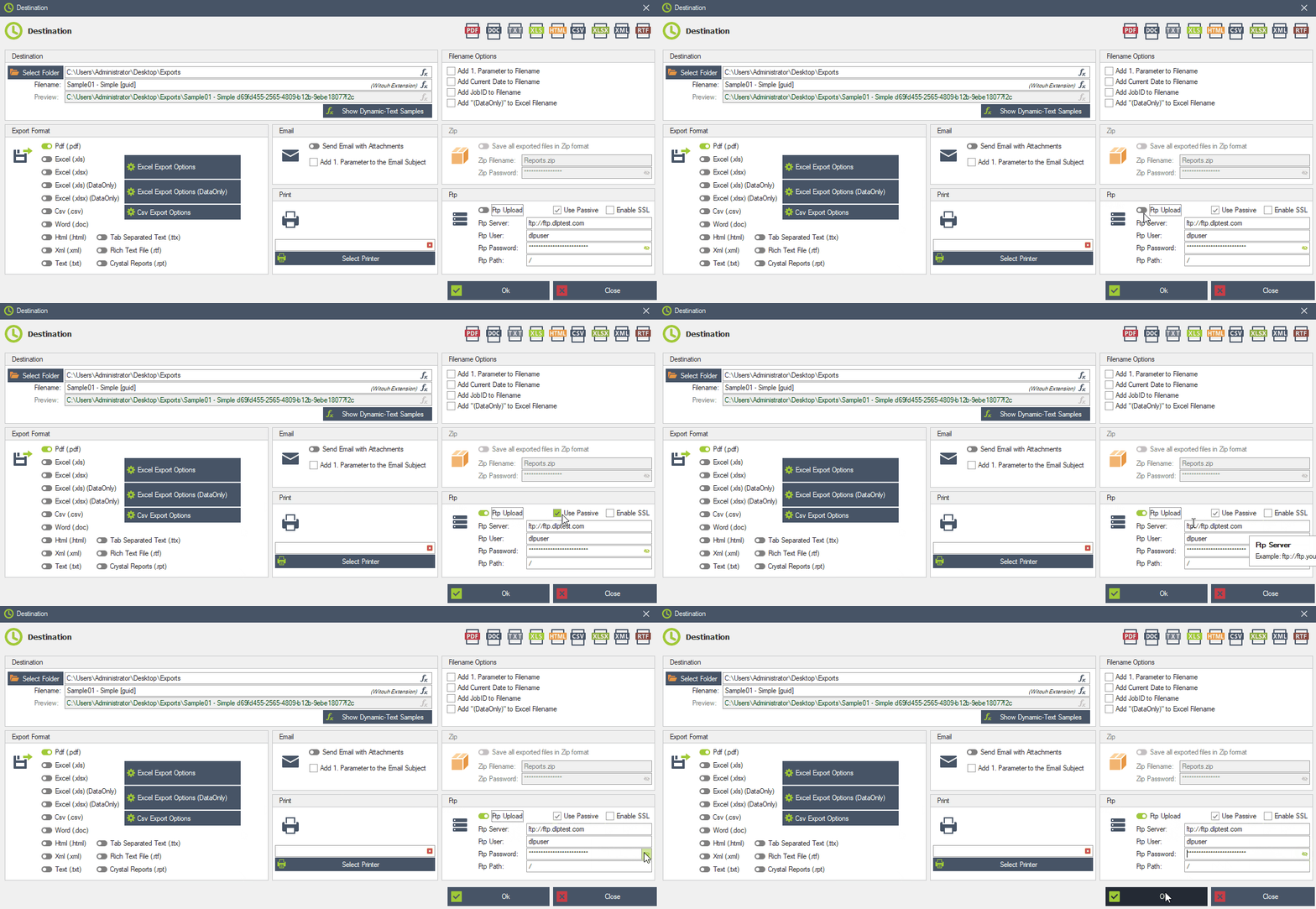
- FTP/FTPS Upload Feature
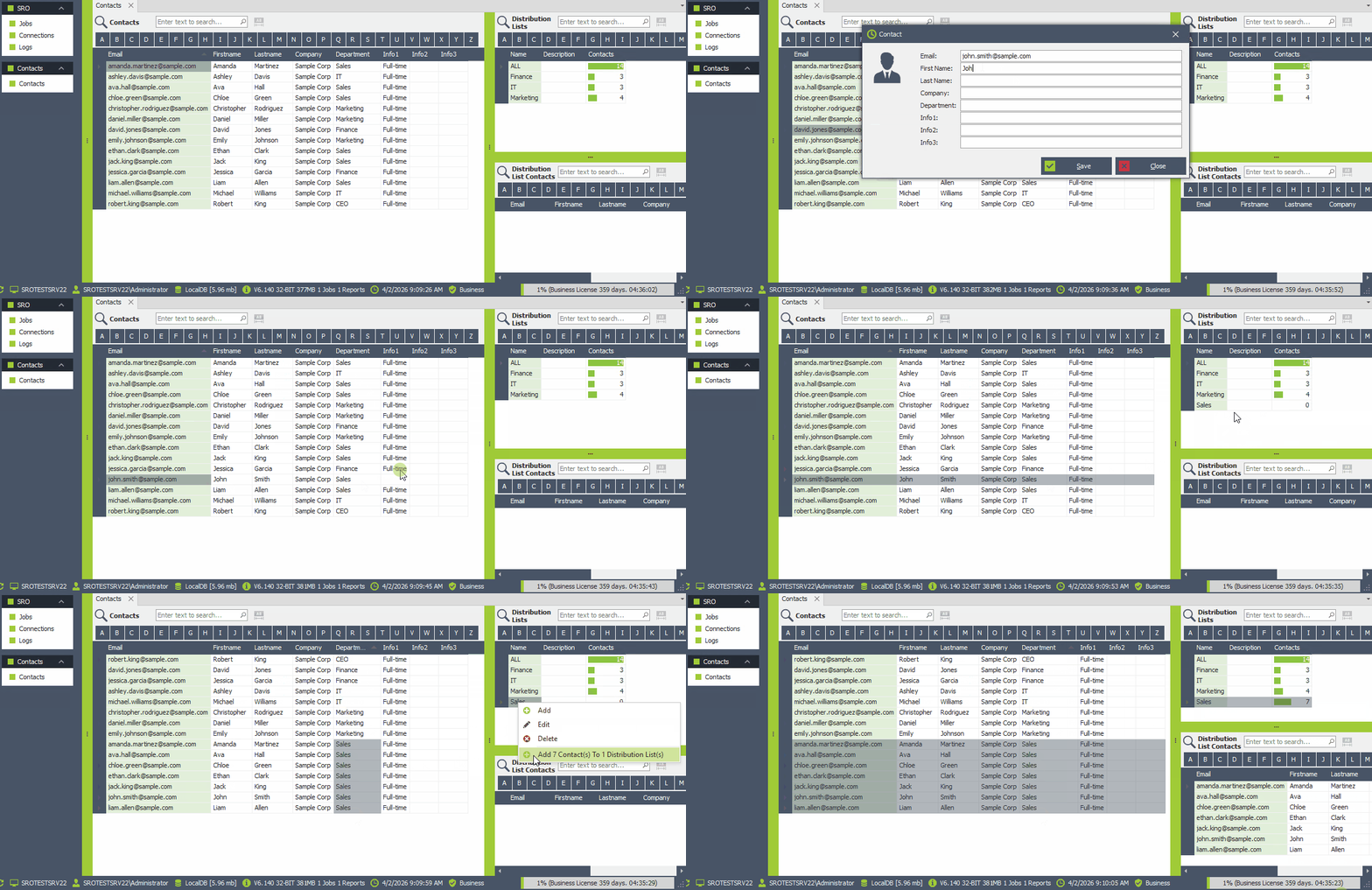
- Contacts & Distribution Lists
- Modern Email Authentication (Microsoft 365 & Google Gmail)
Best for power users and high-frequency automated processes.
Scroll down to see these features in action!
Unlimited Jobs
See the Business Features in Action:
Advanced Scheduling
Advanced Export Options
FTP/FTPS Upload Feature
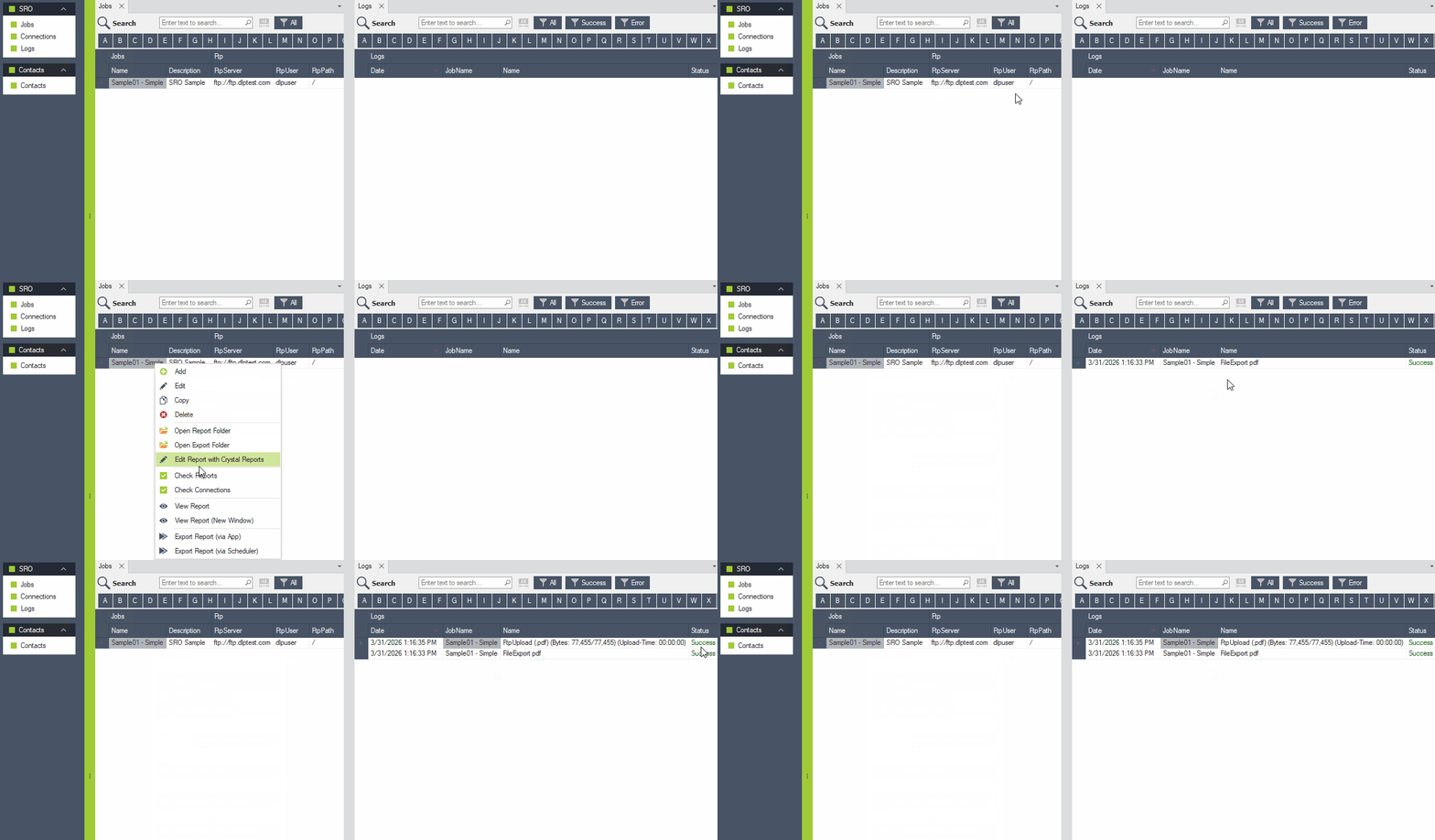
Contacts & Distribution Lists
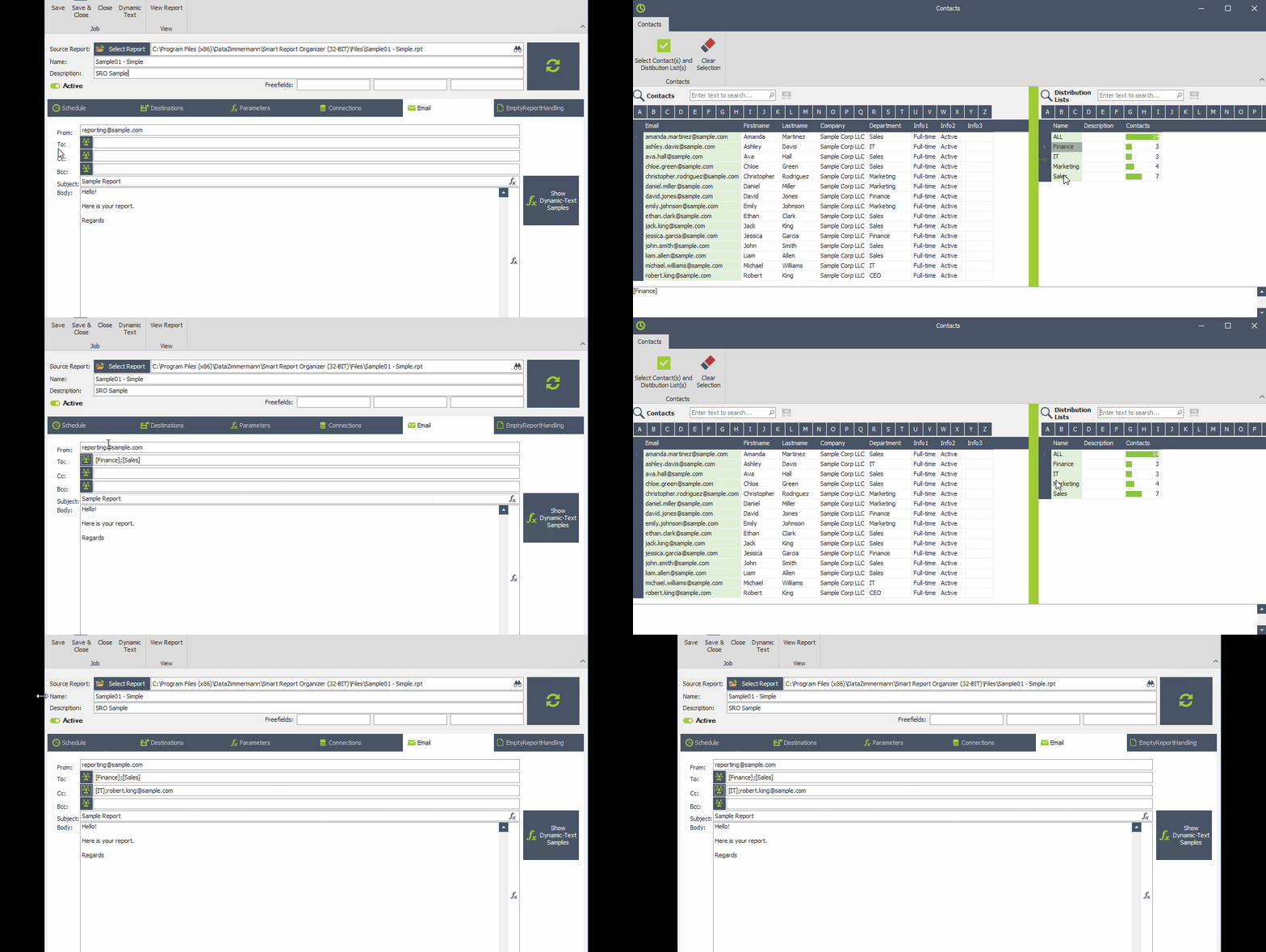
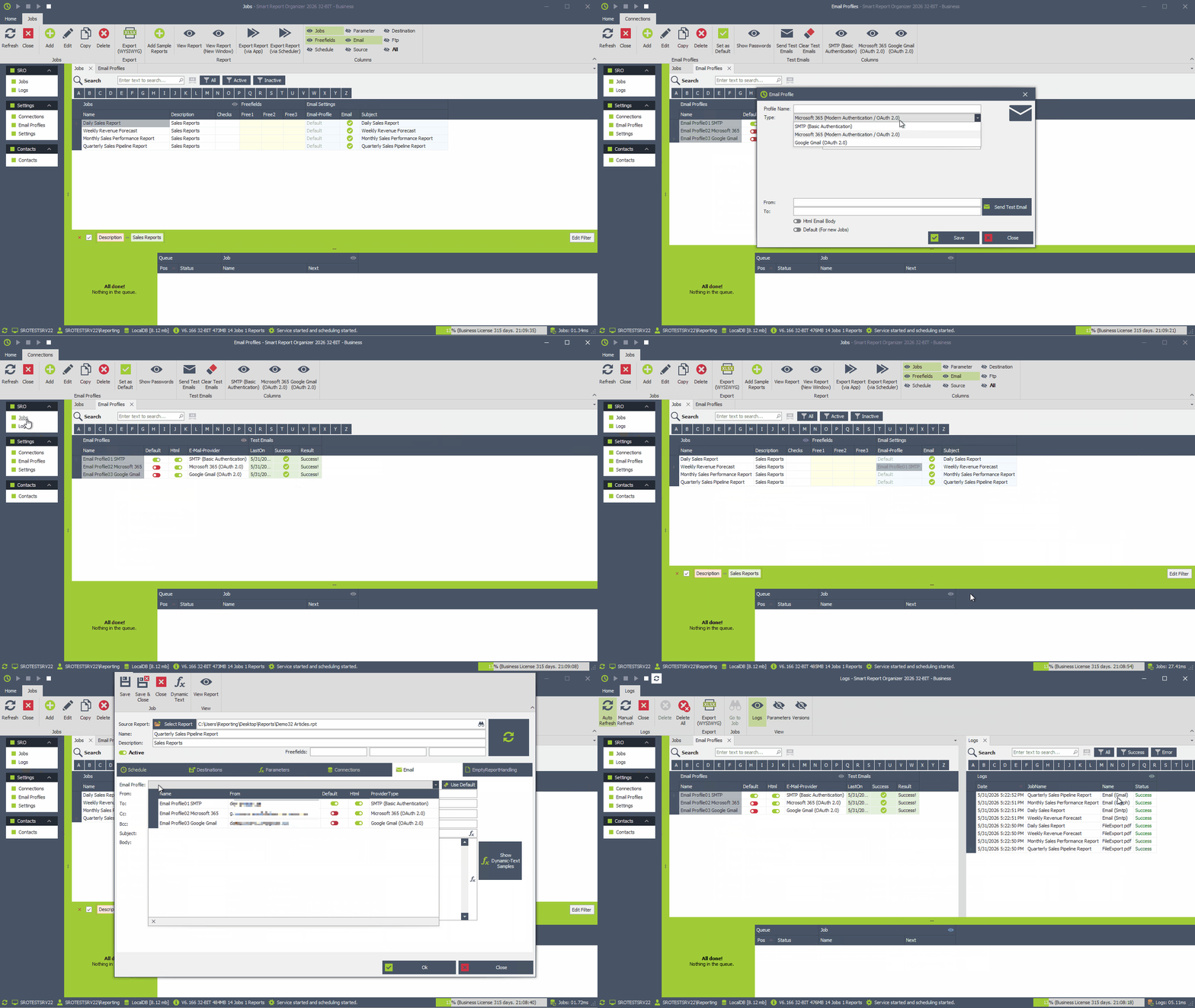
Modern Email Authentication (Microsoft 365 & Google Gmail)
Use modern email authentication with Microsoft 365 and Google Gmail via OAuth 2.0. This allows Smart Report Organizer to send emails using modern, secure authentication methods instead of classic username/password SMTP authentication.
- Microsoft 365 Modern Authentication / OAuth 2.0
- Google Gmail OAuth 2.0
- Default and job-specific Email Profiles