Help Center - Reload / Update Report
Reload / Update Report
If you make changes to your Crystal Reports file, you need to reload the report in SRO.
Otherwise, new parameters or connection changes will not be recognized.
Important: Reload the report after every change in your Crystal Reports file.
- Open your job
- Click the [Reload Report] button
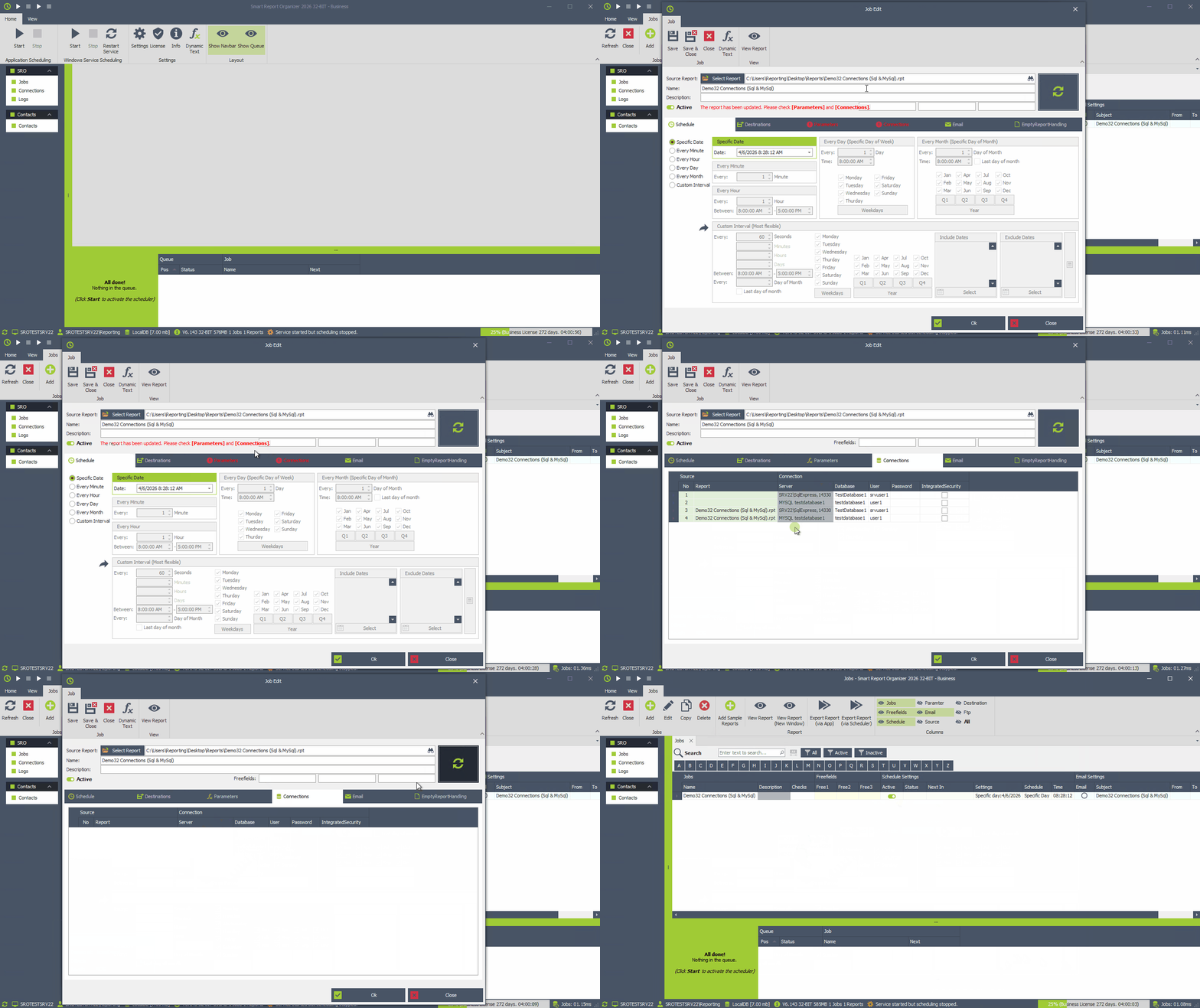
SRO reloads all parameters and connections directly from the report file, while preserving your existing settings whenever possible.
When should you reload a report?
You should reload the report after making changes in your Crystal Reports (.rpt file), such as:
- Adding or modifying parameters
- Changing database connections
- Adding new tables or data sources
