Automated Invoice Delivery
Generate individual customer invoices with unique filenames and send them to the correct email address.

One ReportJob. Hundreds of Personalized Results.
Turn your existing Crystal Reports into powerful database-driven workflows. Generate individual reports, personalized invoices and professional HTML emails for every record returned by your SQL query.4
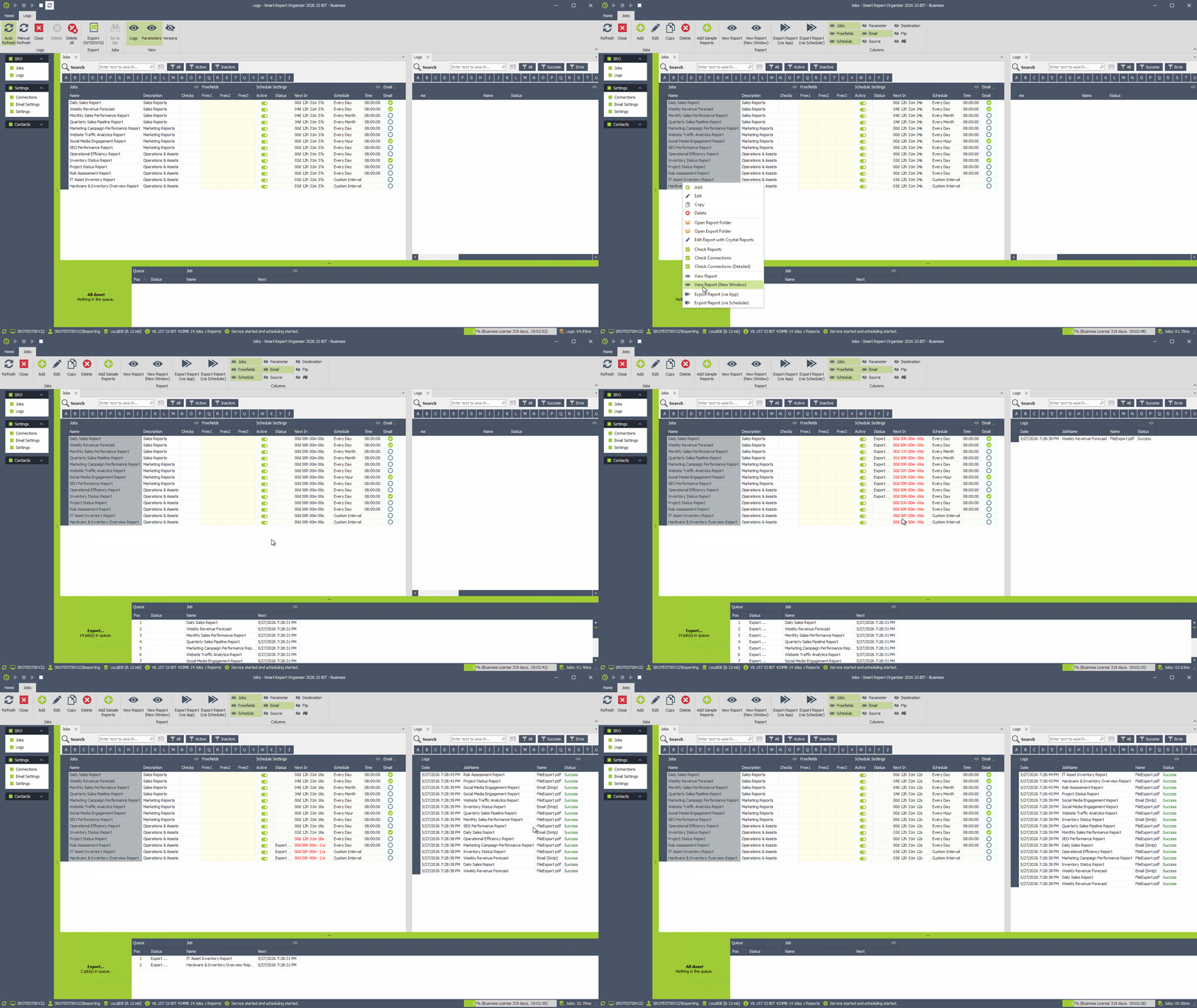
Explore DataDriven inside Smart Report Organizer
Your regular scheduler starts the job. DataDriven runs the configured SQL query and then processes each returned row using the existing ReportJob logic. Each row can supply its own Crystal Report parameters, export filenames, folders and email content.
Follow the complete workflow with short, silent animations. No complicated setup or separate report engine required.
Get started instantly with the included Demo Database and ready-to-use Crystal Reports. Explore real-world examples like product catalogs, sales dashboards and customer invoices – without connecting your own database or designing reports from scratch.
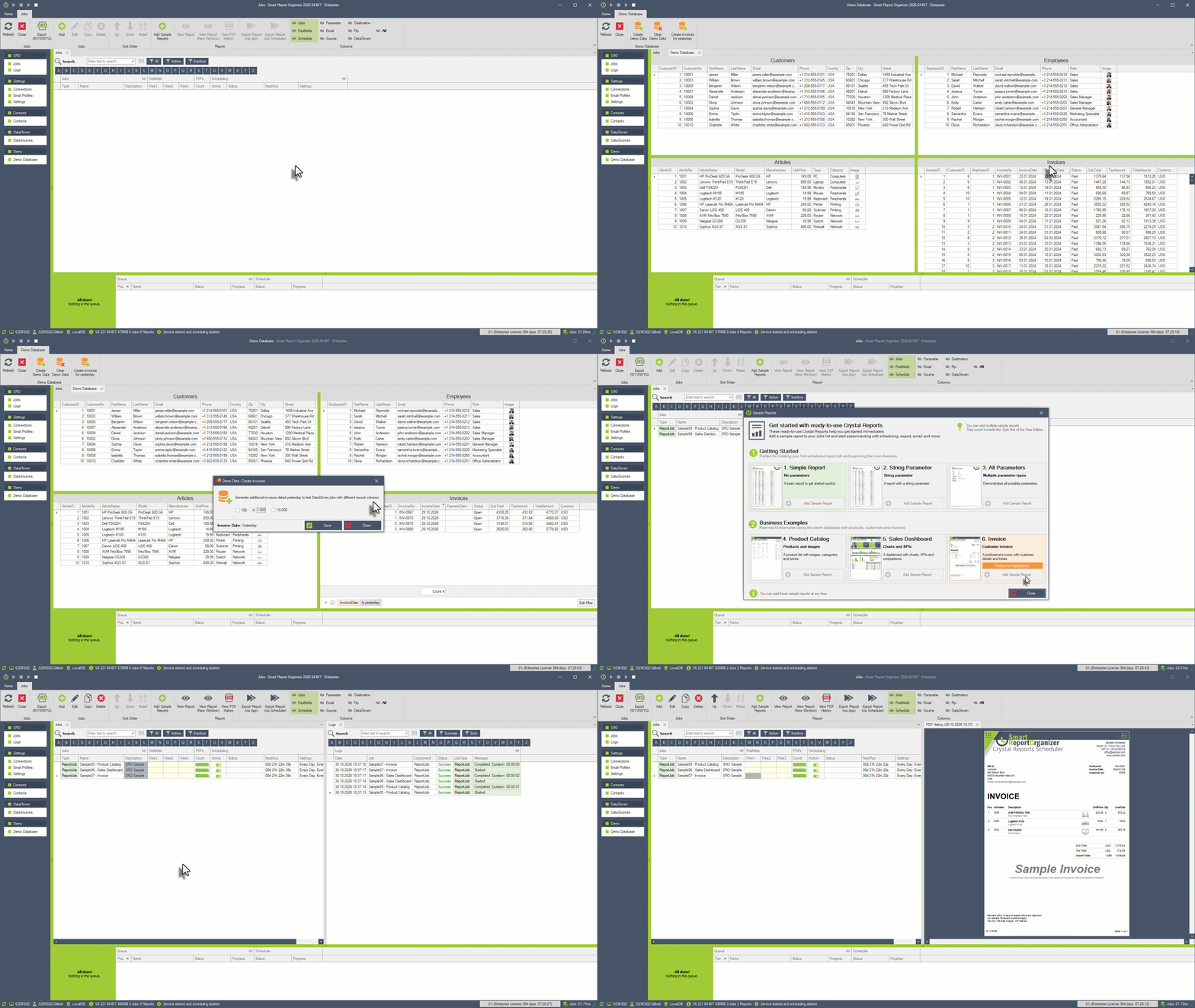
GIF 01 · Explore the Demo Database & Sample Reports
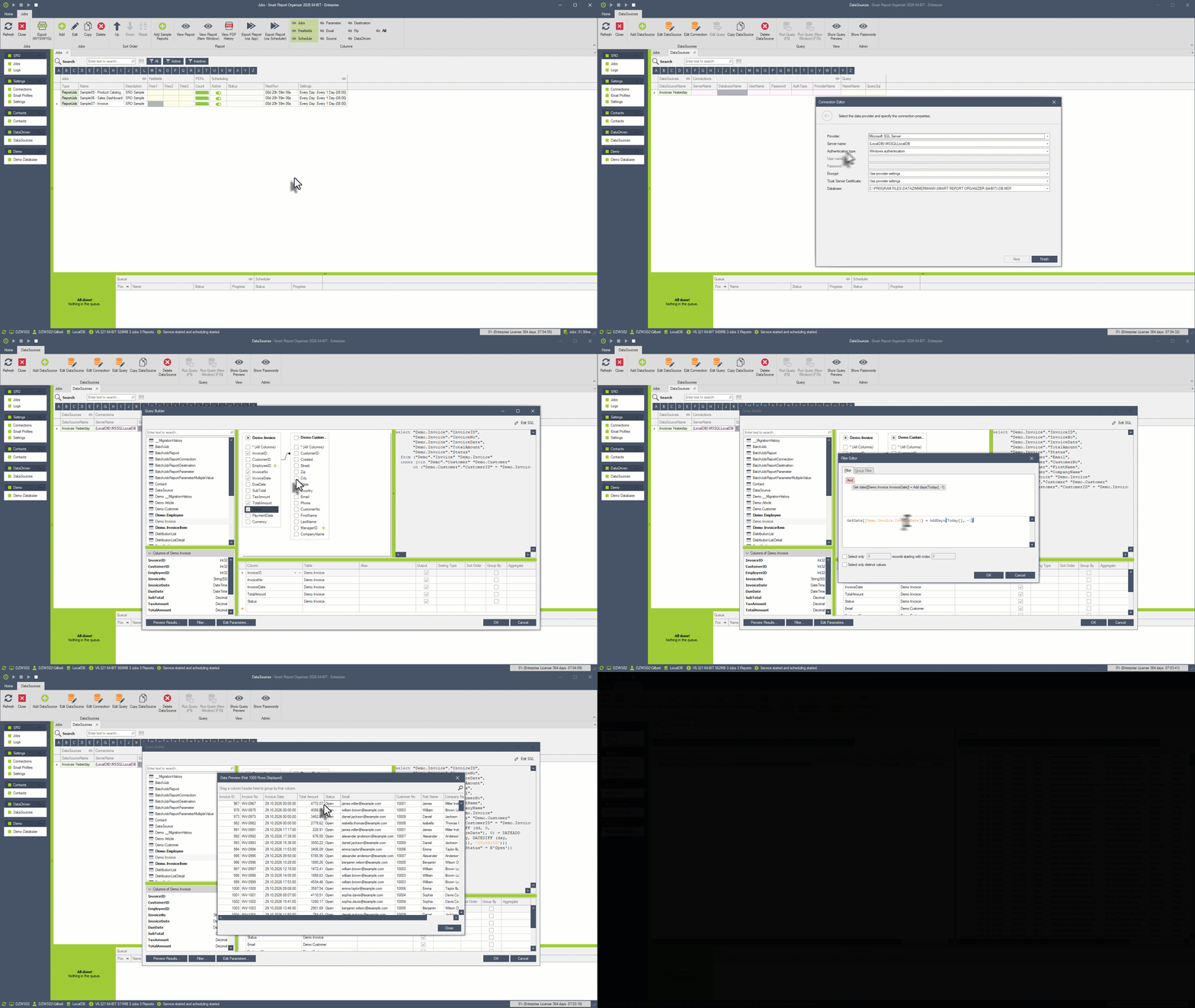
GIF 02 · Create a DataDriven DataSource and run a query
Choose your database connection and use the **powerful built-in Query Builder** to select fields, apply filters and retrieve exactly the data you need. Alternatively, write your own SQL queries for full flexibility. Preview your results instantly before processing.
Enable DataDriven in an existing ReportJob and connect your query. Use simple database expressions to personalize Crystal Report parameters, PDF filenames, export folders, email recipients and HTML messages. Instantly preview the results for any selected record.
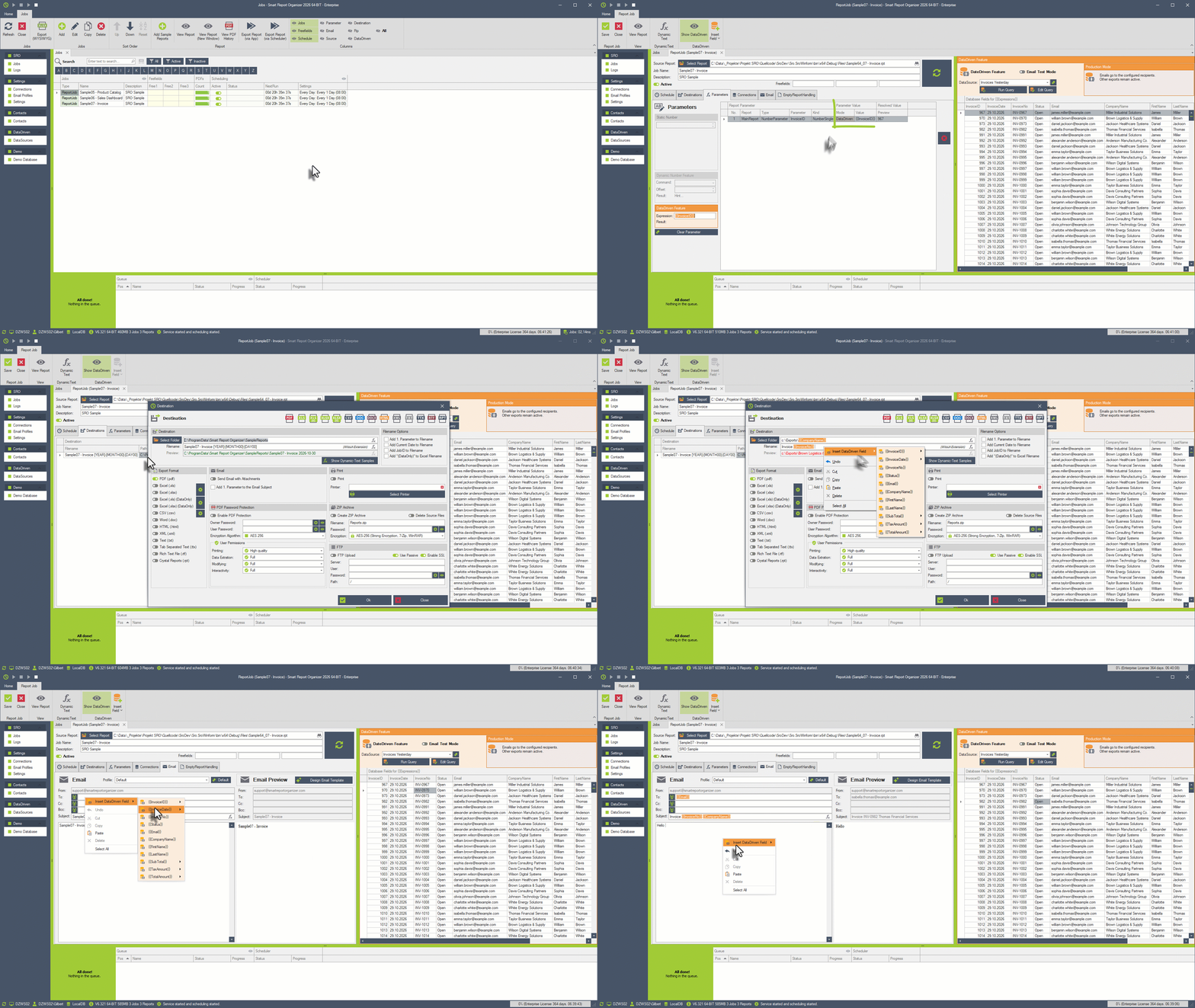
GIF 03 · Configure and personalize your DataDriven Job
DataDriven can also create and deliver professional, database-driven HTML emails without attaching a Crystal Report. Send individual account updates, status notifications, personalized KPI summaries or other business information directly in the email body.
Each query row supplies its own values. Your live preview shows the actual rendered email before delivery.
From invoice distribution to company-wide business intelligence — personalize the information every recipient receives.
Generate individual customer invoices with unique filenames and send them to the correct email address.
Deliver relevant performance indicators to individual employees, managers or departments.
Distribute personalized sales, financial or account reports from one reusable ReportJob.
Send individualized HTML messages directly from your query results, even without an attachment.
Build unique filenames and customer-specific export folders using dynamic database expressions.
Let your existing SRO schedule trigger the query and subsequent individualized executions automatically.
Explore the new capabilities, test DataDriven with your own ReportJobs, and share feedback that helps prioritize future improvements.
Answers to common questions about data-driven Crystal Reports scheduling and email automation.
DataDriven executes a database query and processes each returned record using a regular SRO ReportJob. Every record can supply personalized report parameters, filenames, recipients and email content.
Yes. DataDriven builds on the existing ReportJob execution workflow. You do not need to create a separate Crystal Report for every customer or invoice.
No. The existing SRO scheduler determines when a job starts. DataDriven runs the configured query and processes its rows after that trigger.
Yes. DataDriven can personalize and deliver HTML email content from database values without attaching a generated report.
Yes. SRO displays the configured expression alongside its resolved value for the selected query row. HTML emails can be previewed as rendered messages.
DataDriven achieves a similar business goal: personalized report distribution. Technically, it runs the existing Crystal Report job separately for each selected database record rather than splitting one large report into smaller documents.
Start with the included Demo Database or a small query result. Use Email Test Mode with your own test address and limit the maximum number of processed records. Verify recipients and export destinations before production use.
Explore DataDriven, learn the workflow and discover what personalized reporting can do for your business.
Watch our first tutorial now. The second tutorial, covering personalization and delivery, will follow soon.
Start with a fresh SRO installation, prepare the demo database, generate sample invoices and discover what DataDriven makes possible.
Learn how to configure expressions, live previews, HTML email templates, dynamic filenames and personalized deliveries.

Cookies are used on our website. Some of them are mandatory, while others allow us to improve your user experience on our website.
Essential cookies are needed for basic website functions. This ensures that the website functions properly.
Essential Cookies
Marketing cookies include tracking and statistics cookies.
Google Analytics
MouseFlow